SPEAR
Council planners are often responsible for submitting the address information for new subdivisions into the SPEAR system.
Pozi Connect can be used to generate a SPEAR report if the council’s property system already has the address data.
Process
- open Pozi Connect
- run the property import task (eg, Import Pathway)
- open the SPEAR task
- enter the plan number for the subdivision
- click ‘Start’
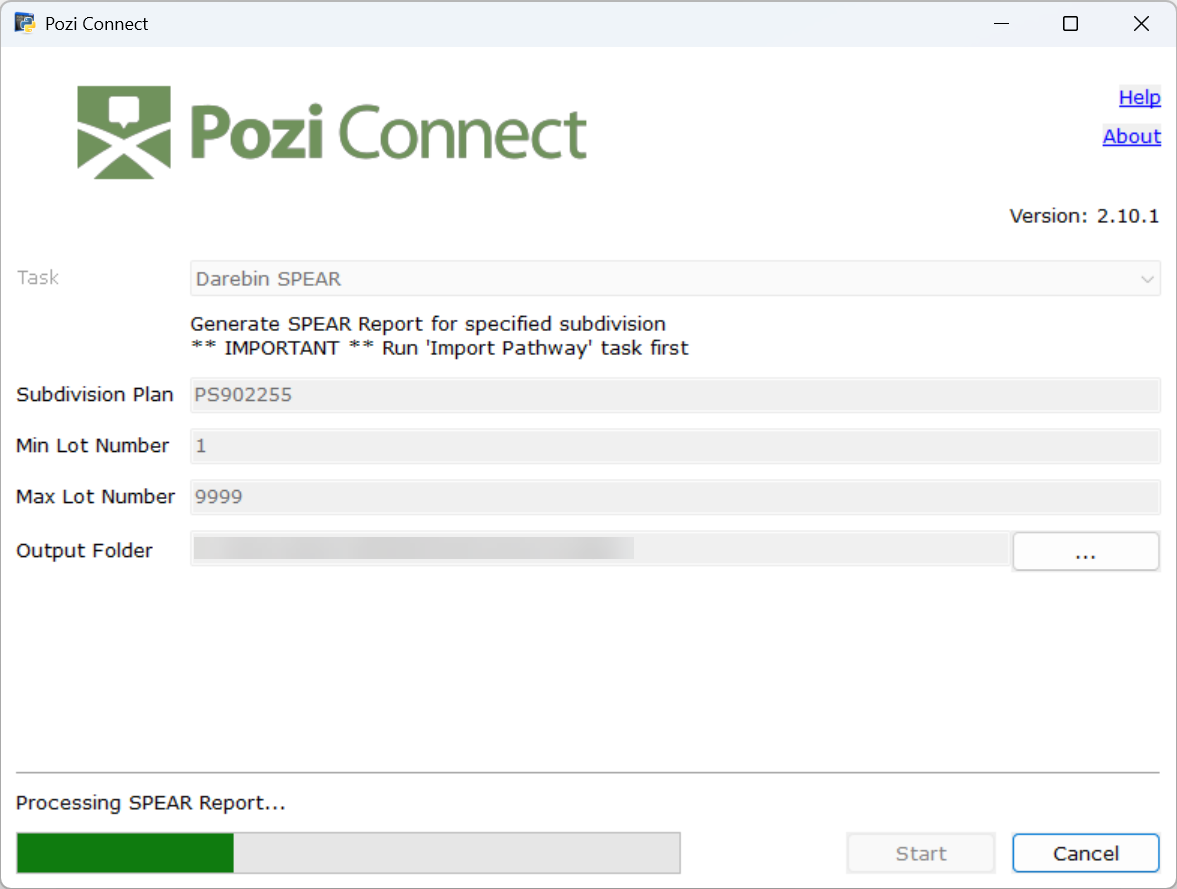
Upon completion, you can find the completed SPEAR file for the specified subdivision in the PoziConnect\output folder.
Example:
M1_SPEAR_Address_PS902255.csv
Last updated on